
Access control
Digital access control and tickets via your phone. Control who gets in — to facilities, matches or events — with QR and lock integration.
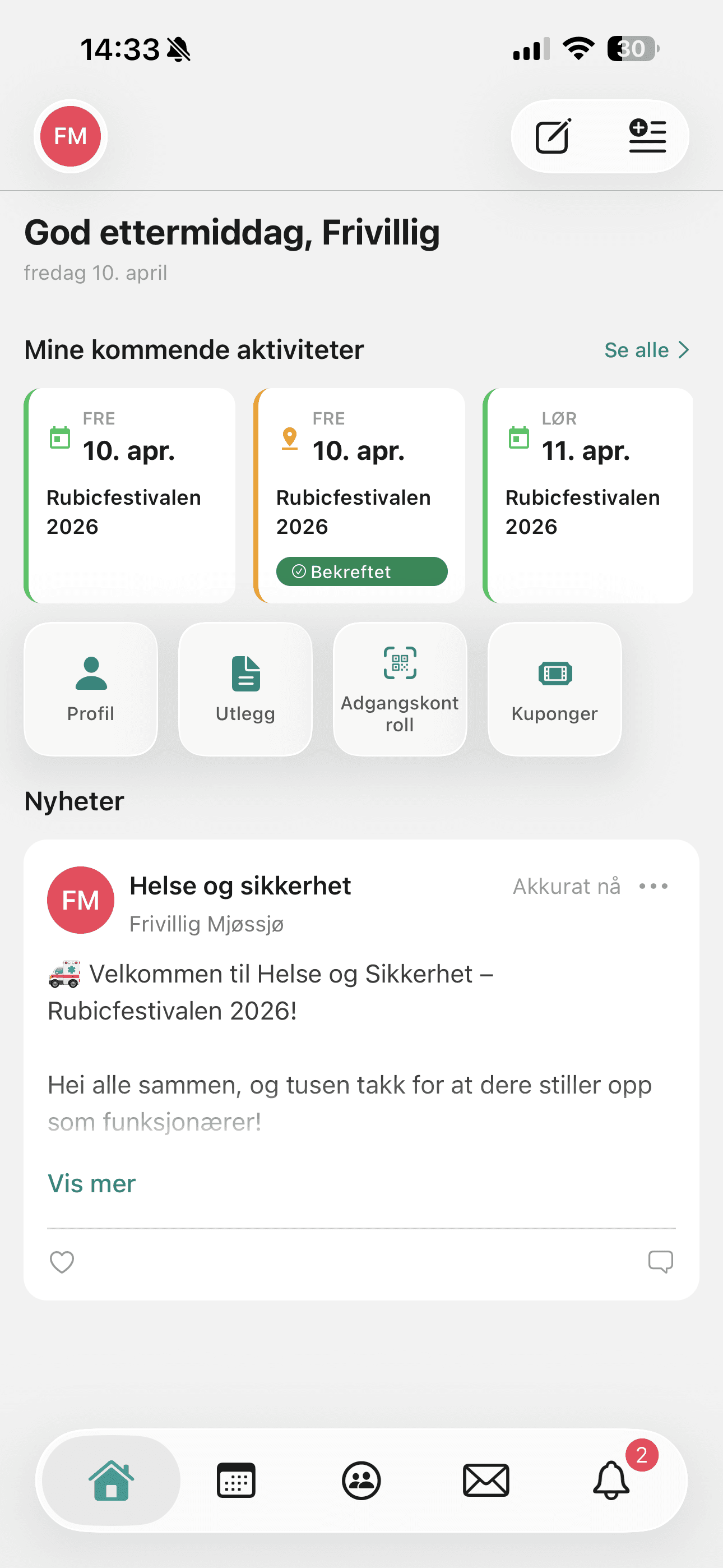
What you can do
- Sell tickets to events and matches
- Digital access via phone and QR
- Lock integration for self-service entry
- Ticket categories and capacity management
Good to know about Access control
Rubic connects to the locks via Inlet, which supports pulse opening for Salto, Dormakaba, Assa Abloy, Nuki and Danalock, among others. Talk to Rubic before you buy locks.
Read more in the help centre (opens in a new tab)Access is controlled with rules
All members, selected roles, named people or activity cards, with weekdays, times and dates. People registered for an activity get access from 15 minutes before until 15 minutes after.
Read more in the help centre: Access is controlled with rules (opens in a new tab)With geo-distance, the door can only be unlocked when the person is nearby.
Read more in the help centre (opens in a new tab)A full log of unlocks with time, lock and person in the Unlocks report, and the latest unlocks on the dashboard.
Read more in the help centre (opens in a new tab)Every user has a personal QR code in Rubic Connect, and those with permissions can scan other people's codes with Access control in the app.
Read more in the help centre (opens in a new tab)
Who is Access control for?
- Clubs that sell tickets to matches
- Event organisers who need fast and secure entry control
- Facility owners who want to manage access digitally
How to do it in Rubic
Step-by-step guides for Access control, written by our support team. The articles are in Norwegian.
All help articles →Frequently asked questions
How are tickets scanned?
Tickets and access passes have a QR code that is scanned with a mobile phone at the entrance — no special hardware is required.
See Rubic in action
Book a 30-minute walkthrough, or try it yourself for 30 days.