
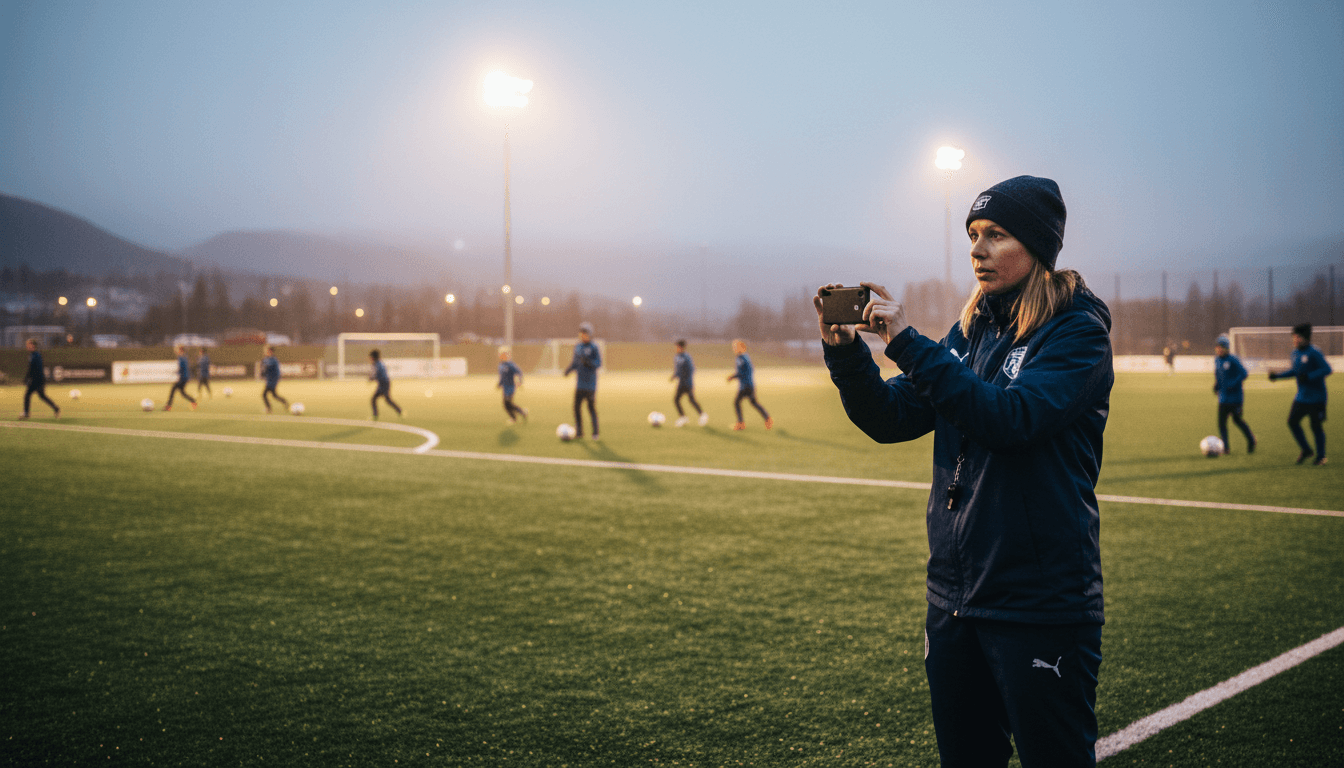
Is your club struggling to allocate training times? A digital facility calendar gives you an overview, fair allocation and fewer conflicts.
Who trains where and when? In many sports clubs this question is a source of never-ending debate. The artificial turf pitch is double-booked, the hall is full and the youngest players' team ends up with the worst slot yet again. A facility calendar for the sports club doesn't have to be complicated — but it does require a system.
In this article we look at how to create a fair and clear allocation of pitches, and how digital tools can save the facility manager hours of coordination.
See how Rubic Lokasjon works →
Why does the club need a digital facility calendar?
Many clubs have outgrown the Excel spreadsheet or the board in the clubhouse. When you have 15–20 teams sharing three pitches and a hall, it quickly becomes hard to keep track. Typical problems:
- Double bookings that no one notices until the teams turn up at the same time
- Unfair allocation — senior teams always get the best times
- No easy way for coaches to see available times
- The facility manager spends hours coordinating by phone and email
- Rentals to external parties (other clubs, schools, companies) fall through the cracks
A digital facility calendar solves much of this by giving everyone one place to look — and a single source of truth.
What should a facility calendar for sports clubs be able to do?
A visual overview of all facilities. Pitches, halls, clubhouses and other premises — all visible in one calendar, with colour coding per team or activity type.
Booking and requests. Coaches and team managers should be able to see available times and send a request directly — without calling the facility manager.
Conflict check. The system should give an automatic alert for double bookings.
Rental to external parties. Many clubs earn money by renting out facilities. The facility calendar should support this with separate booking types and, where relevant, payment.
Integration with the rest of the club system. When the facility calendar is connected to the activity calendar and the communication tool, you don't have to update several places.
How to allocate training times fairly
Fair allocation is often the biggest challenge. Here are some principles that work:
Set clear criteria. Decide in advance what determines priority: number of active players, age, grassroots vs. elite sport, seasonal needs. Write it down and communicate it to all team managers.
Rotate the best times. If everyone wants to train on Tuesdays 17–18:30, let the teams take turns with that slot through the season — rather than one team always having it.
Give priority to the youngest players and grassroots sport. NIF encourages clubs to prioritise children and grassroots sport. It's also good policy for the club — happy parents mean more volunteers and better recruitment.
Use data. How many players actually turn up to training? A team with 8 players turning up on an 11-a-side pitch might make better use of resources on a smaller pitch — and free up space for others.
Read more about attendance registration in Rubic →
Smart lock integration: Open the door via the app
A facility calendar becomes even more valuable when it physically controls access to the facility. With Rubic Lokasjon and the Inlet.tech integration, the club can install smart locks on changing rooms, halls and clubhouses.
When a team has booked time in the facility calendar, the team manager automatically gets access to open the door via the Rubic Connect app — only during the booked time slot. No key fobs, no codes shared on Facebook, no facility manager who has to turn up to unlock.
This is especially valuable for:
- Clubs with fitness centres that offer round-the-clock access via activity cards
- Rentals to external parties — they only get access during their booked period
- Facilities without a permanent caretaker
What does it cost?
Rubic Lokasjon can be used on its own — you don't need the rest of the Rubic platform to use the facility calendar. But its value increases when it is integrated with the membership system, activity calendar and communication. See the prices.
Get started with a digital facility calendar
- Map all the facilities and premises the club has at its disposal
- Define allocation criteria for training times
- Choose a tool that provides a visual overview and easy booking
- Consider smart lock integration for easier access control
Want to see Rubic Lokasjon in action? Book a free demo → rubic.no/demo